Delivery and Rider Management POS for Smart Order Tracking
Assign riders, track deliveries and settle cash at day end.
Assign orders to riders, follow each delivery and settle the cash every rider collected at the end of the day.
SoftBar assigns home delivery orders to riders, tracks status from dispatch to delivery, records cash collected and settles every rider at the end of the shift.
- Assign riders
- Delivery status
- Cash settlement
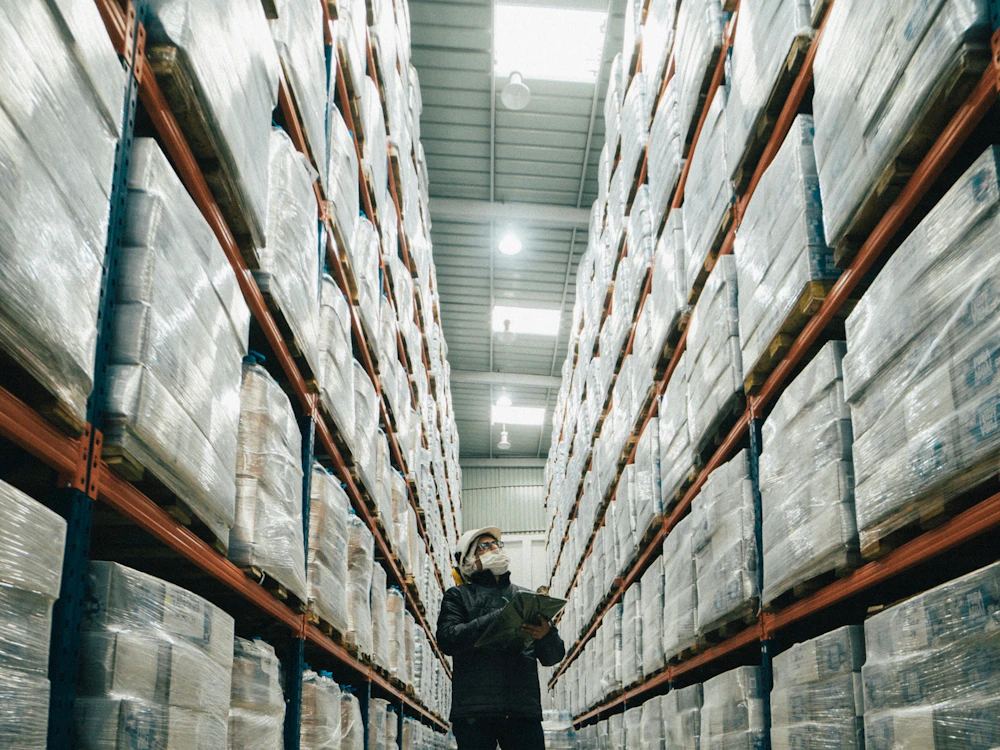
SoftBar Delivery & Riders Features
Organized delivery from kitchen or shop to the customer's door.
Assign riders
Orders to available riders.
Delivery status
Out for delivery and delivered.
Cash settlement
Cash collected per rider.
Courier booking
Book parcels with couriers.
Delivery zones
Charges by area.
Courier booking
Send parcels with couriers.
What Is Delivery & Riders in a POS System?
Delivery management covers orders that go to the customer: assigning riders, tracking status, collecting payment and closing each rider's cash.
Restaurants, pharmacies and stores often run delivery on phone calls and memory. Riders return with cash that does not match, and customers call to ask where their order is.
SoftBar puts every delivery order on a board, assigns it to a rider, updates status and calculates exactly how much cash each rider must hand over.

Problems Businesses Face Without Delivery & Riders
Rider cash short
Collections do not match.
Late deliveries
No tracking.
Customer calls
Where is my order?
Wrong addresses
Details lost.
Unfair load
Some riders overloaded.
Delivery charges missed
Not added to bills.
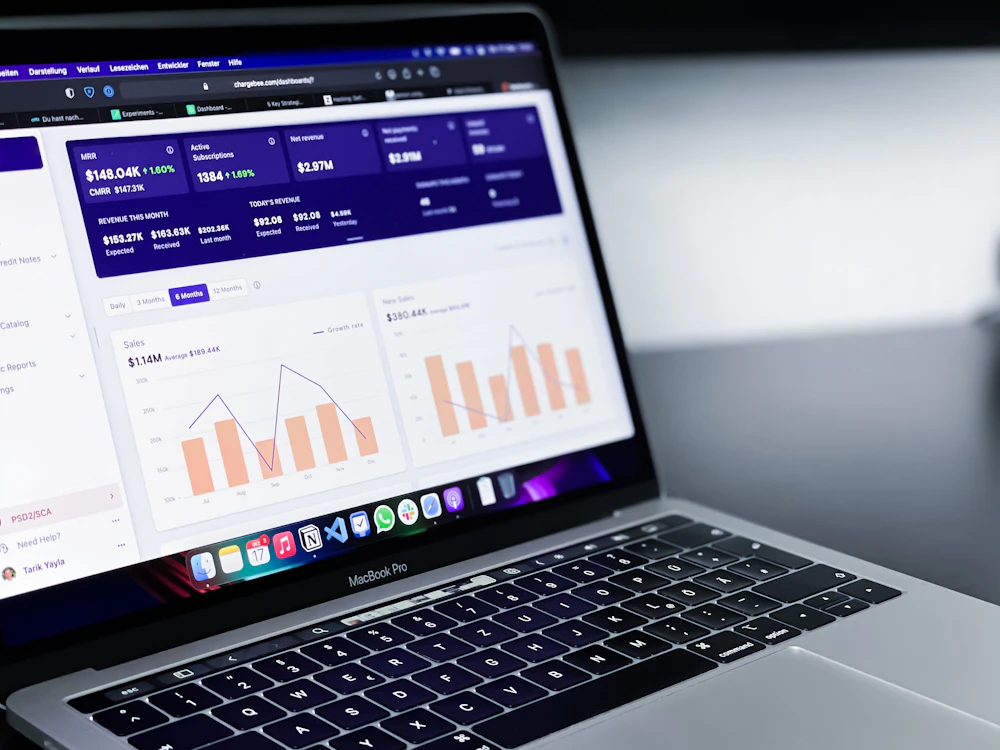
Insights from Delivery & Riders
Delivery reports keep riders and customers happy:
- Deliveries by rider and hour
- Average delivery time
- Cash collected per rider
- Late and failed deliveries
- Deliveries by area
- Delivery charges collected
How Delivery & Riders Works in SoftBar
Order
Delivery order with address.
Assign
Rider selected.
Track
Out for delivery to delivered.
Settle
Rider cash closed.
Core Features of SoftBar Delivery & Riders
Orders
Complete details.
- Customer address book
- Delivery notes
- Delivery charges by zone
- Order source
Riders
Fair assignment.
- Rider list and status
- Assignment
- Multiple orders per trip
- Rider app option
Tracking
Live status.
- Dispatched
- Delivered
- Failed with reason
- Customer messages
Settlement
Cash matched.
- Cash per rider
- Card and wallet orders
- Shortage alerts
- Day closing
See Delivery & Riders working with your own data
Book a free demo and we will set it up around your business.
Benefits of Delivery & Riders
Better delivery management means faster service and no cash leakage.
Matched cash
Rider settlement.
Faster delivery
Clear assignment.
Fewer calls
Status messages.
Correct charges
By zone.
Fair workload
Rider reports.
Repeat customers
Saved addresses.
How Your Team Uses Delivery & Riders
Owner
Sees the results of delivery & riders on the dashboard and gets alerts on the phone, without asking staff.
Manager
Sets the rules, approves exceptions and reviews delivery & riders reports every day.
Staff
Use delivery & riders on simple screens built into their daily work, with fewer clicks.
Accountant
Gets correct entries and ready reports, with no re-typing at month end.
Tips to Get the Most From Delivery & Riders
Save customer addresses
Faster repeat orders.
Set zone charges
Consistent pricing.
Settle every shift
Do not wait for day end.
Message customers
Reduce calls.
Track delivery time
Improve service.
Group nearby orders
Fewer trips.
Businesses That Use Delivery & Riders
Businesses that deliver to customers.
Works With the Rest of SoftBar
Delivery & Riders is not a separate program. It shares the same products, customers, stock and accounts as every other part of SoftBar POS and ERP, so data entered once is available everywhere and reports always match.
Start with the modules you need today and switch on more as your business grows. Your data, users and settings stay the same.
More stock & branches modules
Why Businesses in Pakistan Choose SoftBar
Software, setup and support from one local team.
Local team in Faisalabad
Meet us, call us or message us on WhatsApp. The same team sets up and supports your system.
Set up around you
We configure products, users, reports and modules for the way your business works.
One connected system
POS, inventory, accounts, HR and integrations share the same data.
Built for local conditions
Offline billing, Urdu-friendly receipts and support for local payment and tax requirements.
Quick to start
Most businesses are live within days, with their own data imported.
Marketing under one roof
We also run ads, SEO and social media to bring you more customers.
Secure, Cloud-Based and Supported Locally
Cloud backups
Data backed up automatically.
Works offline
Billing continues without internet.
Role-based access
Each user sees only their part.
Faisalabad support
Help on WhatsApp and phone.
Manual Work vs SoftBar Delivery & Riders
What changes when this work moves from registers, Excel and phone calls into SoftBar.
| Area | Manual way | With SoftBar |
|---|---|---|
| Speed | Typed or written by hand, slow at busy times | A few clicks or a barcode scan |
| Accuracy | Copy mistakes and missing entries | Data entered once and reused everywhere |
| Visibility | Known only to the person who wrote it | Live on the owner's phone and dashboard |
| Control | Anyone can change records | Permissions, approvals and activity logs |
| Reports | Prepared in Excel at month end | Ready any time, exportable to Excel and PDF |
| Customers and partners | Phone calls for every update | Automatic SMS and WhatsApp messages |
Getting Started With Delivery & Riders: Checklist
A short list to prepare before your setup session with our team.
- Your current product, customer and supplier lists
- Names and roles of staff who will use it
- The reports you check most often today
- Your rules for discounts, approvals and credit
- Printers, scanners or devices you already have
- A date to go live, ideally at the start of a week
We do the setup with you
Our team imports your data, configures delivery & riders and trains your staff. Most businesses are live within a few days.
Frequently Asked Questions About Delivery & Riders
Can I settle cash with riders at day end?
Yes. Each rider's delivered orders and collected cash are shown for settlement.
Can I settle cash with riders?
Yes. Cash per rider is calculated for settlement.
Can customers get delivery messages?
Yes. Dispatched and delivered alerts.
Can I set delivery charges by area?
Yes. Zone-based charges.
Is Delivery & Riders included in SoftBar POS?
Delivery & Riders is part of SoftBar POS and ERP and can be switched on for your account. We set it up to match your workflow.
Can I try it before buying?
Yes. Book a free demo and we will show this module with your own products and data.
Does it work on mobile phones?
Yes. SoftBar runs in the browser on phones, tablets, laptops and PCs, so owners and managers can check and approve from anywhere.
Does it work without internet?
Billing and daily work continue offline and sync automatically when the connection returns.
Is my data safe?
Data is kept on secure servers with regular backups, encrypted connections and role-based access for every user.
How do I get a demo?
Press Request a Free Demo or WhatsApp 03028603894.
All POS modules
Ready to Use Delivery & Riders in Your Business?
Talk to our team in Faisalabad. The demo and setup consultation are free.