OpenCart Integration with SoftBar POS to Sync Inventory and Orders
One stock and one order list for your shop and your OpenCart store.
Sell in your shop and on your OpenCart store without selling the same item twice. Stock, prices and orders stay in sync between SoftBar POS and OpenCart.
OpenCart is used by many established online stores. SoftBar keeps products, prices and stock aligned, and brings online orders into the POS for packing, courier booking and accounting.
- One stock
- Online orders
- Price sync
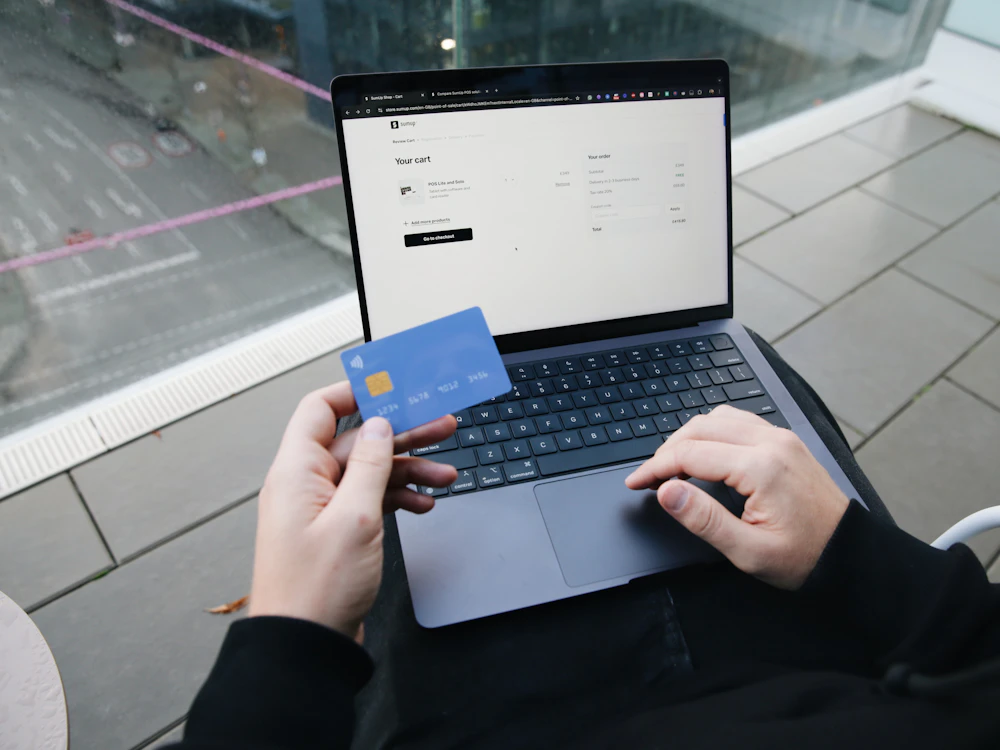
About OpenCart Integration with SoftBar
What connecting OpenCart with your POS gives you.
One stock
Shop and website share stock.
Online orders
Website orders appear in the POS.
Price sync
Update prices once.
Product upload
Send products from POS to the store.
Courier booking
Book online orders with couriers.
COD reconciliation
Match courier payments to orders.
What Is OpenCart Integration Integration?
OpenCart integration connects your online store with SoftBar POS, so both share the same products, prices and stock, and online orders appear in the POS like any other sale.
Without integration, sellers update stock in two places. Items sold in the shop stay live online and get oversold, prices differ, and online orders are typed again for packing and accounts.
SoftBar syncs stock and prices automatically, imports orders for processing and courier booking, and records COD payments when couriers settle.
Problems Without OpenCart Integration Integration
Overselling
Shop sales not reflected online.
Two stock lists
Updated by hand.
Price mismatches
Different prices online and in store.
Orders retyped
For packing and accounts.
COD not reconciled
Courier payments unmatched.
No combined reports
Online and shop separate.
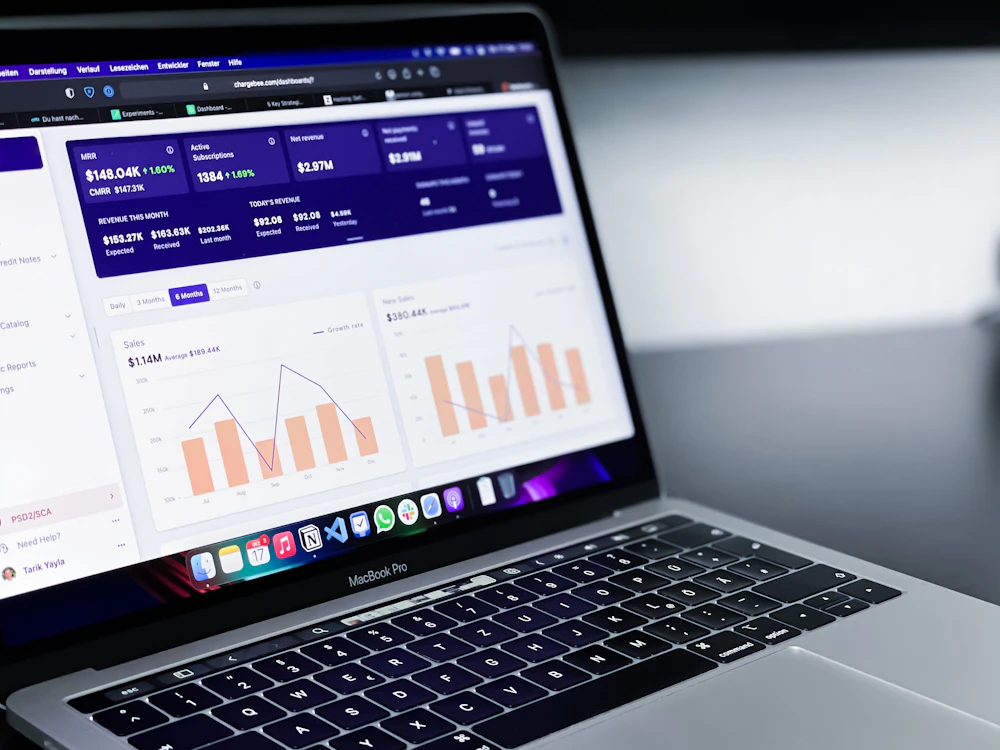
Key Benefits of OpenCart Integration with SoftBar
Combined reports for online and in-store sales:
- Sales by channel
- Online orders by status
- Stock synced and pending
- Best sellers online vs shop
- COD pending from couriers
- Returns from online orders
How OpenCart Integration Works with SoftBar
Connect
Link your OpenCart store securely.
Map products
Match items and variants.
Sync
Stock and prices update automatically.
Process orders
Pack, book courier and invoice.
Powerful Features of OpenCart Integration with SoftBar
Products and stock
Always aligned.
- Product upload
- Variant mapping
- Stock sync
- Price sync
Orders
One order list.
- Order import
- Status updates
- Packing slips
- Invoices
Delivery
From order to doorstep.
- Courier booking
- Airway bills
- Tracking numbers
- Delivery status
Money
Reconciled.
- Online payments
- COD settlements
- Returns and refunds
- Channel reports
See OpenCart Integration working with your own data
Book a free demo and we will set it up around your business.
Why Connect OpenCart Integration to Your POS
Sell online and offline without double work.
No overselling
One stock.
Less manual work
No retyping.
Consistent prices
Everywhere.
Faster dispatch
Courier booking.
Clear COD
Reconciled payments.
Full picture
Combined reports.
How Your Team Uses OpenCart Integration
Owner
Sees the results of opencart integration on the dashboard and gets alerts on the phone, without asking staff.
Manager
Sets the rules, approves exceptions and reviews opencart integration reports every day.
Staff
Use opencart integration on simple screens built into their daily work, with fewer clicks.
Accountant
Gets correct entries and ready reports, with no re-typing at month end.
Tips to Get the Most From OpenCart Integration
Clean product data first
Before connecting.
Map variants carefully
Sizes and colours.
Keep a buffer stock
For fast sellers online.
Book couriers from POS
Save time.
Reconcile COD weekly
Catch missing payments.
Compare channels
Plan stock by channel.
Businesses That Use OpenCart Integration
Businesses selling on OpenCart and in a physical store.
Works With the Rest of SoftBar
OpenCart Integration is not a separate program. It shares the same products, customers, stock and accounts as every other part of SoftBar POS and ERP, so data entered once is available everywhere and reports always match.
Start with the modules you need today and switch on more as your business grows. Your data, users and settings stay the same.
More connected services
Why Businesses in Pakistan Choose SoftBar
Software, setup and support from one local team.
Local team in Faisalabad
Meet us, call us or message us on WhatsApp. The same team sets up and supports your system.
Set up around you
We configure products, users, reports and modules for the way your business works.
One connected system
POS, inventory, accounts, HR and integrations share the same data.
Built for local conditions
Offline billing, Urdu-friendly receipts and support for local payment and tax requirements.
Quick to start
Most businesses are live within days, with their own data imported.
Marketing under one roof
We also run ads, SEO and social media to bring you more customers.
Secure, Cloud-Based and Supported Locally
Cloud backups
Data backed up automatically.
Works offline
Billing continues without internet.
Role-based access
Each user sees only their part.
Faisalabad support
Help on WhatsApp and phone.
Manual Work vs OpenCart Integration Integration
What changes when this work moves from registers, Excel and phone calls into SoftBar.
| Area | Manual way | With SoftBar |
|---|---|---|
| Speed | Typed or written by hand, slow at busy times | A few clicks or a barcode scan |
| Accuracy | Copy mistakes and missing entries | Data entered once and reused everywhere |
| Visibility | Known only to the person who wrote it | Live on the owner's phone and dashboard |
| Control | Anyone can change records | Permissions, approvals and activity logs |
| Reports | Prepared in Excel at month end | Ready any time, exportable to Excel and PDF |
| Customers and partners | Phone calls for every update | Automatic SMS and WhatsApp messages |
Getting Started With OpenCart Integration: Checklist
A short list to prepare before your setup session with our team.
- Your OpenCart Integration account details
- Names and roles of staff who will use it
- The reports you check most often today
- Your rules for discounts, approvals and credit
- Printers, scanners or devices you already have
- A date to go live, ideally at the start of a week
We do the setup with you
Our team imports your data, configures opencart integration and trains your staff. Most businesses are live within a few days.
Frequently Asked Questions About OpenCart Integration
Is OpenCart integration included by default?
It is set up as part of your project. Tell us about your OpenCart store and we will confirm what can be synced.
Will stock update on OpenCart when I sell in the shop?
Yes. Stock syncs automatically after each sale.
Do online orders come into the POS?
Yes. Orders are imported for packing, courier booking and invoicing.
Can I book couriers for online orders?
Yes. Courier booking and tracking from the POS.
Is OpenCart Integration included in every SoftBar plan?
It is set up as part of your project. Tell us about your OpenCart Integration account and we will confirm the setup and any cost.
How long does setup take?
Most integrations are live within a few days once we have your account details.
Does it work on mobile phones?
Yes. SoftBar runs in the browser on phones, tablets, laptops and PCs, so owners and managers can check and approve from anywhere.
Does it work without internet?
Billing and daily work continue offline and sync automatically when the connection returns.
Is my data safe?
Data is kept on secure servers with regular backups, encrypted connections and role-based access for every user.
How do I get a demo?
Press Request a Free Demo or WhatsApp 03028603894.
All connected services
Ready to Use OpenCart Integration in Your Business?
Talk to our team in Faisalabad. The demo and setup consultation are free.