Best Mobile Shop Management Software for Mobile and Electronics Stores
Every IMEI, serial and warranty on record, from purchase to sale.
A mobile shop sells high-value phones that must be tracked one by one, plus hundreds of cheap accessories, repairs and used phone trade-ins. When IMEIs are written in a register, warranties and stock checks become a nightmare. SoftBar mobile shop software records every IMEI and serial number at purchase and follows it to the sale.
It handles accessories by barcode, repair job cards, used phone buying with seller CNIC records, and shows profit per phone and per accessory.
- IMEI & serial tracking
- Repairs & warranty
- Used phone buying
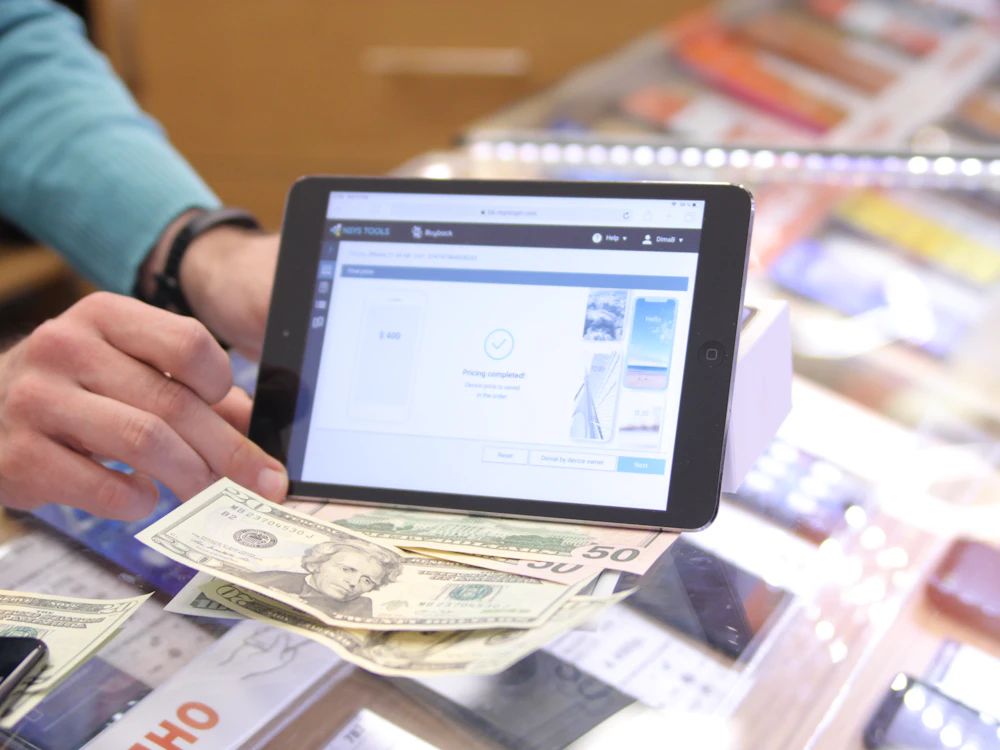
Daily Problems Mobile and Electronics Shop Owners Face
Mobile and electronics shops face problems that ordinary billing cannot handle:
- IMEIs in a register
- Finding which IMEI was sold to whom takes forever.
- Warranty claims disputed
- No proof of sale date or serial number.
- Used phone risks
- Phones bought without seller records can be stolen.
- Accessory stock chaos
- Hundreds of cheap items with no clear count.
- Repairs forgotten
- Phones left for repair are delayed or lost.
- Profit per phone unknown
- Price drops and schemes change real margin.
- Dealer schemes not tracked
- Company incentives and claims are missed.
- Installment sales
- Phones sold on installments are hard to follow.
Why SoftBar Is the Right Mobile Shop Management System
SoftBar treats every phone as a unique item with its IMEI and serial, while accessories are billed fast by barcode.
IMEI and serial tracking
Recorded at purchase, checked at sale.
Warranty records
Sale date and serial for every claim.
Used phone buying
Seller CNIC, photo and IMEI recorded.
Repair job cards
Track every repair from receipt to delivery.
Accessories by barcode
Fast billing and accurate counts.
Installment option
Plans and monthly dues for phone buyers.
A Day in Your Mobile Shop with SoftBar
New stock arrives from the distributor and each box's IMEI is scanned into the system. Accessories are added by barcode with their cost.
A customer buys a phone with a cover and protector. The cashier scans the IMEI and the accessories, and a warranty slip with the serial is printed. Another customer sells an old phone; their CNIC, photo and the phone's IMEI are saved before cash is paid. A third leaves a phone for screen repair and gets a job card.
At closing the owner sees profit by model, accessory sales and repairs waiting for parts, and can find any IMEI sold in the last year in seconds.
Core Features of SoftBar Mobile Shop Software
Phones & IMEI
Every unit on record.
- IMEI on purchase
- Dual IMEI support
- Serial numbers for electronics
- IMEI search
- Sold and in-stock status
- PTA status note
Billing
Fast for accessories, careful for phones.
- IMEI scan at sale
- Accessory barcode billing
- Bundles with phones
- Split payments
- Returns and exchanges
- Printed warranty slip
- WhatsApp bills
- Discount rules
Used Phones
Buy safely.
- Seller CNIC and photo
- IMEI record
- Condition notes
- Purchase price
- Resale tracking
- Buy and sell profit
Repairs
Organized service desk.
- Job cards
- Fault and estimate
- Technician assignment
- Parts used
- Status messages
- Repair bills
Warranty & Claims
Handle claims with proof.
- Sale date by IMEI
- Warranty period
- Claim to company
- Replacement record
- Claim status
- Customer history
Reports
Profit per phone and accessory.
- Profit by model
- Accessory sales
- Stock by brand and model
- Repair income
- Used phone trade
- Dealer scheme report
Hardware You Need for Mobile Shop POS
SoftBar runs in the browser, so you do not need special machines. These are the devices most mobile and electronics shops use. We help you choose and set them up.
Computer or POS terminal
Any Windows PC, laptop or all-in-one POS terminal runs SoftBar in the browser.
Barcode scanner
USB or wireless scanners add items to the bill in one beep.
Thermal receipt printer
80mm or 58mm printers for fast, clear receipts.
Cash drawer
Opens automatically when a cash bill is printed.
Card machine
Use your bank card machine; payments are recorded by method.
Key Benefits of SoftBar Mobile Shop Software
Mobile shops using SoftBar find any IMEI instantly, settle warranty claims easily and earn more from accessories and repairs.
Instant IMEI search
Who bought it and when.
Safer used phone trade
Seller records for every purchase.
Easy warranty claims
Proof of sale with serial.
More accessory profit
Bundles and accurate counts.
Organized repairs
No forgotten job cards.
Clear profit per model
Real margin after price drops.
Security and Staff Control in Your Mobile Shop Software
Protect your mobile shop records, control who can do what and keep every branch secure.
Role-based access
Cashiers, managers and accountants see only what their role allows in your mobile shop system.
Secure logins
Strong passwords and optional OTP on login keep accounts safe.
Safe offline billing
Bills made offline are stored securely and uploaded when the internet returns.
Automatic cloud backup
Your records are backed up regularly, so a broken computer does not mean lost data.
Activity log
Deleted bills, price changes and discounts are logged with user and time.
Branch-level control
Limit staff to their own branch while the owner sees everything.
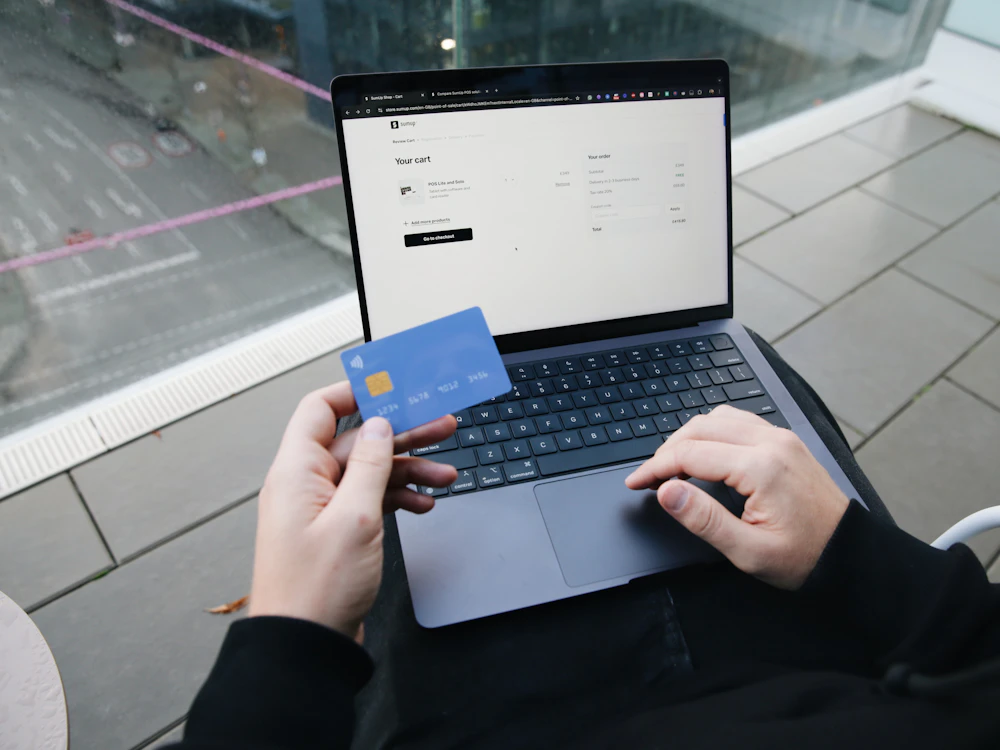
Online Store, Payments and Tax Integration for Mobile Shop
Connect your mobile shop with the services you already use: online orders, digital payments, couriers and tax authorities, without typing the same thing twice.
- Online store sync with Shopify or WooCommerce
- Digital orders from website and WhatsApp
- FBR, PRA, SRB and KPRA invoice reporting
- JazzCash, Easypaisa and bank card payments
- Courier booking with TCS, Leopards and PostEx
- SMS and WhatsApp receipts and alerts
Faster Checkout with SoftBar Mobile Shop Billing
Long queues and slow, manual billing lose customers. SoftBar keeps your mobile shop counter moving with quick search, barcode scanning and one-tap payments, while stock and accounts update in the background.
Talk to our team →Fast mobile shop billing
Scan, search or tap items and close the bill in seconds, even at rush hour.
Clear digital receipts
Print or send receipts on WhatsApp with tax and discount shown clearly.
Every payment method
Cash, card, bank transfer, wallets or split payments on one bill.
Stock updates instantly
Each sale reduces stock right away, so numbers always match the shelf.
SoftBar for Every Type of Mobile and Electronics Shop
Mobile phone shops
New phones and accessories.
Electronics stores
TVs, appliances and gadgets.
Repair centres
Mobile and laptop repairs.
Used phone dealers
Buying and selling used phones.
Accessory shops
Covers, chargers and audio.
Mobile franchises
Brand outlets with company schemes.
Online and Offline: Mobile Shop Billing That Never Stops
Internet outages should not stop your mobile shop. SoftBar keeps billing offline and syncs every bill to the cloud as soon as the connection is back, so your records stay complete.
- Billing continues without internet
- Automatic sync when the connection returns
- No duplicate or lost bills
- Owner can check reports from any phone
- Works on PC, laptop, tablet and phone
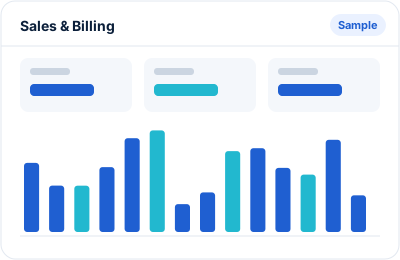
Real-Time Reports for Mobile Shop Owners
High-value stock needs exact numbers. SoftBar gives them by model, IMEI and day.
- Profit by brand and model
- IMEI sale history
- Accessory sales and stock
- Repair jobs and income
- Used phone purchases and sales
- Warranty claims
- Daily cash and bank
Cut Costs and Grow Profit in Your Mobile Shop Business
Phone margins are small, so accessories, repairs and accuracy decide your profit.
Avoid stock mistakes
IMEI checked at sale.
Sell more accessories
Bundle suggestions.
Bill all repair parts
Parts recorded on job cards.
Reduce risky purchases
Seller records for used phones.
Claim dealer schemes
Track incentives from companies.
Clear old models
Slow model alerts.
Secure Cloud Setup Behind SoftBar
The same safe cloud setup serves every SoftBar customer, from a single counter to many branches.
Hosted on secure servers
Your data is kept on managed servers with regular backups, not on a single shop computer.
Encrypted connection
All traffic between your counter and the server is encrypted (HTTPS).
Easy restore
If something goes wrong we can restore your data from backup.
Always up to date
Updates and fixes reach you automatically, with no reinstall.
Is SoftBar Right for Your Mobile Shop?
If any of these sound like your business, SoftBar will help:
- You sell phones with IMEI numbers
- You buy and sell used phones
- You run a repair counter
- Accessories are a big part of sales
- Warranty claims are frequent
- You sell phones on installments
Plans for every size of mobile shop
Start with one counter and add branches, users and modules as you grow. Pricing depends on the modules and number of users you need.
Register or Basic Billing vs SoftBar Mobile Shop Software
What changes when a mobile shop moves from paper registers or a simple billing program to SoftBar.
| Task | Register / basic billing | SoftBar |
|---|---|---|
| Billing speed | Rates looked up by hand, mistakes at rush hour | Barcode or quick search, correct price every time |
| Stock | Counted once in a while, rarely matches | Updates with every sale and purchase, live on screen |
| Low stock | Noticed when a customer asks | Alert before the item runs out |
| Customer credit | Separate khata, easy to lose track | Ledger per customer with limits and reminders |
| Supplier payments | Slips and memory | Supplier ledger with due dates |
| Daily profit | Estimated at month end | Shown every day by item and branch |
| Tax invoices | Filled separately, if at all | Reported automatically with QR code where required |
| Owner away from shop | Must call staff to ask | Reports and alerts on the phone |
How Each Person in Your Mobile Shop Uses SoftBar
Owner
Sees sales, profit, cash and stock value of the whole mobile shop from the phone, and gets alerts for unusual activity.
Manager
Plans purchases from low stock and sales reports, approves discounts and checks staff performance.
Cashier
Bills customers quickly with search or barcode, takes any payment method and prints or sends receipts.
Accountant
Gets ready cash books, ledgers, expenses and tax summaries without re-entering sales.
How SoftBar Gets Your Mobile Shop Running
From the first call to your first bill, usually within a few days.
Free consultation
We talk to you about how your mobile shop works today: counters, branches, products, staff and reports you need.
Setup and data import
We set up your account, import your products and opening balances and connect printers and scanners.
Staff training
Your cashiers, managers and accountant are trained on the parts of the system they will use every day.
Go live
You start billing on SoftBar. For the first days we stay close on WhatsApp to answer questions right away.
Ongoing support and updates
New features and fixes reach you automatically, and our Faisalabad team is a message away.
How to Choose the Right Mobile Shop Software in Pakistan
A short checklist before you buy any mobile shop software, from SoftBar or anyone else.
Ease of use
Your counter staff change often. Choose mobile shop software that a new cashier can learn in an hour, with clear screens and few clicks per bill.
Offline billing
Internet and electricity are not always reliable. Make sure billing continues offline and syncs later without duplicates.
Stock that matches the shelf
Look for live stock, low stock alerts and easy stock counts. In a mobile shop, stock accuracy is where most money is saved or lost.
Tax compliance
If you are registered with FBR, PRA, SRB or KPRA, the software must report invoices correctly and print the QR code on receipts.
Room to grow
Today you may have one counter. Pick a system that adds branches, users and modules without changing software later.
Local support
When something stops at rush hour you need help in minutes, in your language. Check who will support you and how.
Frequently Asked Questions About SoftBar Mobile Shop Software
Can I track IMEI numbers?
Yes. IMEIs are recorded on purchase and checked at sale.
Can I search who bought a phone?
Yes. Search by IMEI to see the sale, customer and date.
Can I buy used phones safely?
Yes. Record seller CNIC, photo and IMEI before paying.
Does it have a repair module?
Yes. Job cards, technicians, parts and status messages.
Can I sell on installments?
Yes. Installment plans and monthly dues are supported.
How much does mobile shop software cost in Pakistan?
It depends on the modules, number of users and branches you need. SoftBar plans start small for a single counter and grow with you. See the pricing page or ask us for a quote for your mobile shop.
Can you import my existing products and customers?
Yes. Send us your product list, customer balances and supplier balances in Excel and we import them during setup, so you start with your real data on day one.
Do you provide training and support?
Yes. We train your staff during setup and support you on WhatsApp and phone afterwards. Most mobile shop staff learn billing in under an hour.
How do I get a demo?
Press Request a Free Demo or WhatsApp 03028603894.
About SoftBar Digital Solutions
SoftBar is a software and digital marketing company based on Main Jaranwala Road, Kohinoor City, Faisalabad. We build and support business software for shops, healthcare, food, services, distribution and manufacturing across Pakistan, and we run marketing for many of the same businesses.
Because we work with mobile and electronics shops every day, we set up SoftBar around how your business actually runs: your products, your counters, your staff and your reports. You talk to the same local team before and after you buy, on WhatsApp, phone or at your premises in Faisalabad.
Related searches
People also look for these when they need this software.
Ready to Upgrade Your Mobile Shop Business?
See SoftBar working with your own products. The demo and setup consultation are free.