Best ERP Software in Pakistan for Growing Businesses
Accounts, inventory, sales, production and HR in one connected system.
As a business grows, separate software for billing, accounts, stock and payroll stops working. Data is typed twice, reports do not match and the owner waits for month-end to know what happened. SoftBar ERP connects every department in one cloud system, so a sale updates stock, accounts and reports at once.
We set it up around your industry, whether trading, distribution, manufacturing or services, and add modules as you grow.
- One connected system
- Industry setup
- Cloud access
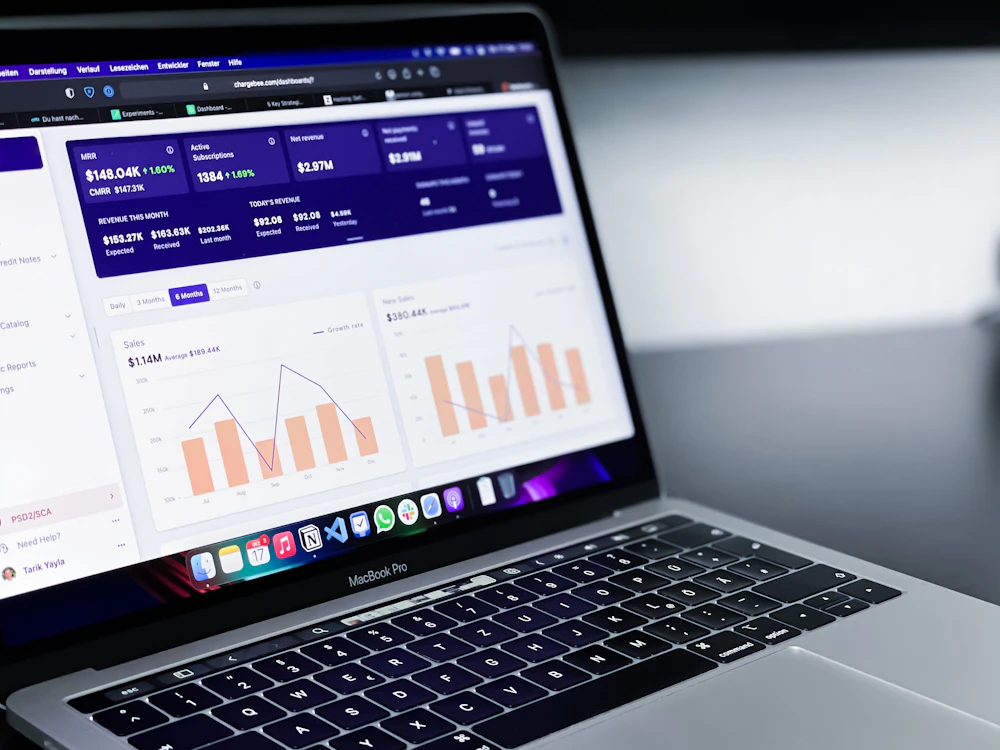
Daily Problems Business Owners Face

Growing businesses without an ERP face:
- Data typed twice
- Same transaction in several systems.
- Reports that do not match
- Sales, stock and accounts disagree.
- Month-end surprises
- Profit known weeks later.
- Departments working alone
- Purchase does not know what sales needs.
- Approvals by phone
- No record of who approved what.
- Branches separate
- Head office cannot see branches.
- Payroll in Excel
- Attendance and salaries by hand.
- No audit trail
- Changes without records.
Why SoftBar Is the Right ERP System
SoftBar ERP gives one version of the truth for every department.
Integrated modules
Sales, purchase, stock, accounts, HR.
Real-time accounts
Every transaction posts automatically.
Approvals
Purchase, discount and payment approvals.
Multi-branch and company
Consolidated reports.
Role-based access
Each user sees their part.
Industry setup
Configured for your business.
A Day in Your ERP with SoftBar
The sales team converts a quotation into an order; the warehouse sees it, prepares a delivery note and stock is reserved. Purchase sees low stock and raises a requisition, which the manager approves on the phone.
When goods are delivered, the invoice is created from the delivery note and posts to receivables. Payments received are matched with the bank. In the factory, a production order consumes materials and adds finished goods.
The owner opens a dashboard at night: sales, cash, stock value, production output and profit by branch, all up to the minute.
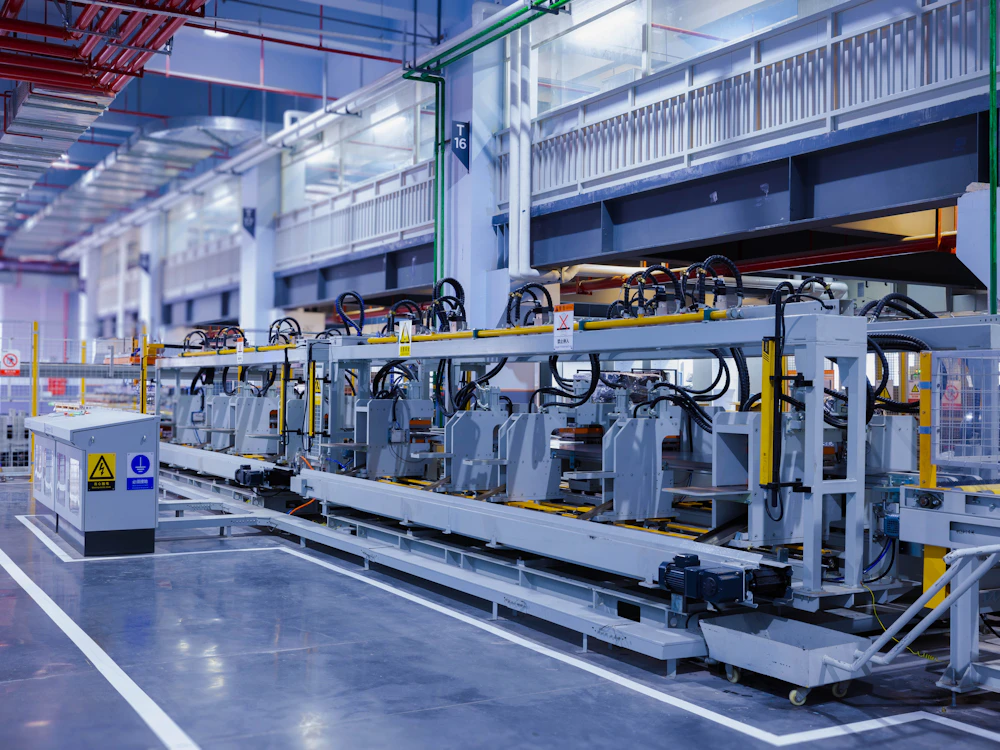
Core Features of SoftBar ERP Software
Finance & Accounts
Books always current.
- Chart of accounts
- Automatic postings
- Bank reconciliation
- Receivables and payables
- Financial statements
- Budgets
- Cost centres
- Tax reports
Sales
From quote to cash.
- Quotations
- Sales orders
- Delivery notes
- Invoices
- Customer ledgers
- Sales returns
Purchase & Inventory
Buy and stock right.
- Requisitions
- Purchase orders
- Goods received
- Multi-warehouse
- Stock transfers
- Valuation
Production
For manufacturers.
- Bill of materials
- Production orders
- Material issue
- Finished goods
- Costing
- Wastage
HR & Payroll
People managed.
- Employee records
- Attendance
- Leaves
- Payroll
- Loans and advances
- Payslips
Reports & Control
Decisions on data.
- Management dashboard
- Profit by branch
- Approvals log
- Audit trail
- Custom reports
- Excel export
Hardware You Need for ERP POS
SoftBar runs in the browser, so you do not need special machines. These are the devices most growing businesses use. We help you choose and set them up.
Computer or POS terminal
Any Windows PC, laptop or all-in-one POS terminal runs SoftBar in the browser.
Thermal receipt printer
80mm or 58mm printers for fast, clear receipts.
A4 printer
For invoices, quotations, ledgers and reports.
Biometric device
Fingerprint or face attendance for staff.
Tablet or phone
Take orders, check stock or view reports on the move.
Barcode scanner
USB or wireless scanners add items to the bill in one beep.
Key Benefits of SoftBar ERP Software
Businesses that move to SoftBar ERP save hours of duplicate work and see their numbers in real time.
No double entry
One transaction, all departments.
Real-time profit
Accounts always current.
Controlled approvals
Recorded and auditable.
Branches together
Consolidated view.
Payroll simplified
Attendance-linked.
Scales with you
Add modules later.
Security and Staff Control in Your ERP Software
Protect your business records, control who can do what and keep every branch secure.
Role-based access
Cashiers, managers and accountants see only what their role allows in your business system.
Secure logins
Strong passwords and optional OTP on login keep accounts safe.
Safe offline billing
Bills made offline are stored securely and uploaded when the internet returns.
Automatic cloud backup
Your records are backed up regularly, so a broken computer does not mean lost data.
Activity log
Deleted bills, price changes and discounts are logged with user and time.
Branch-level control
Limit staff to their own branch while the owner sees everything.
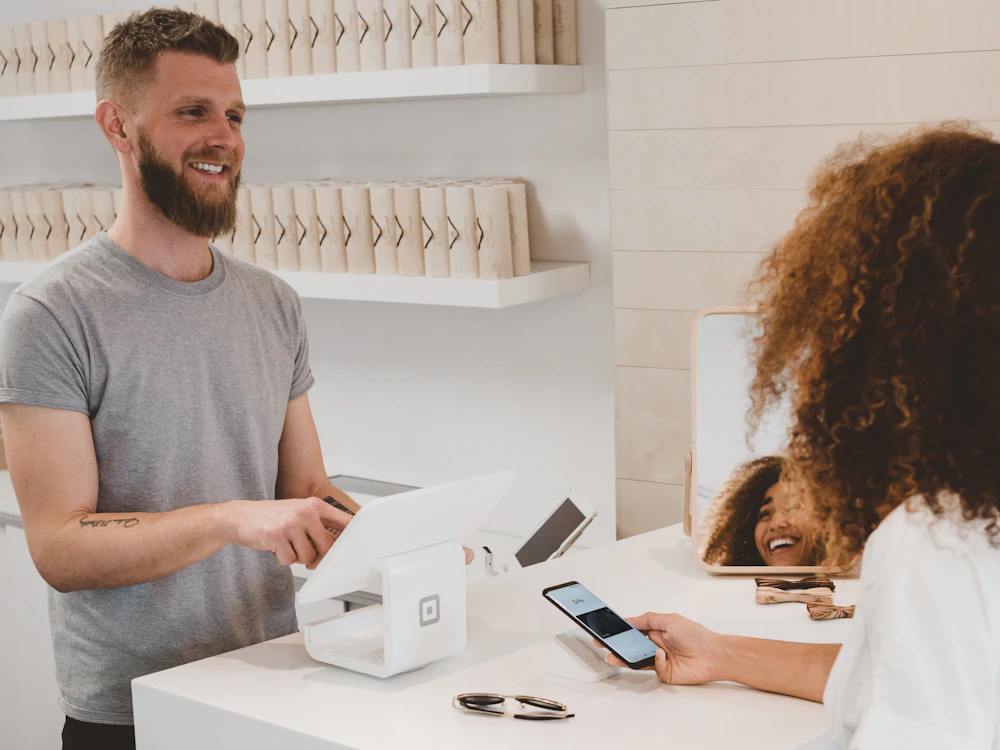
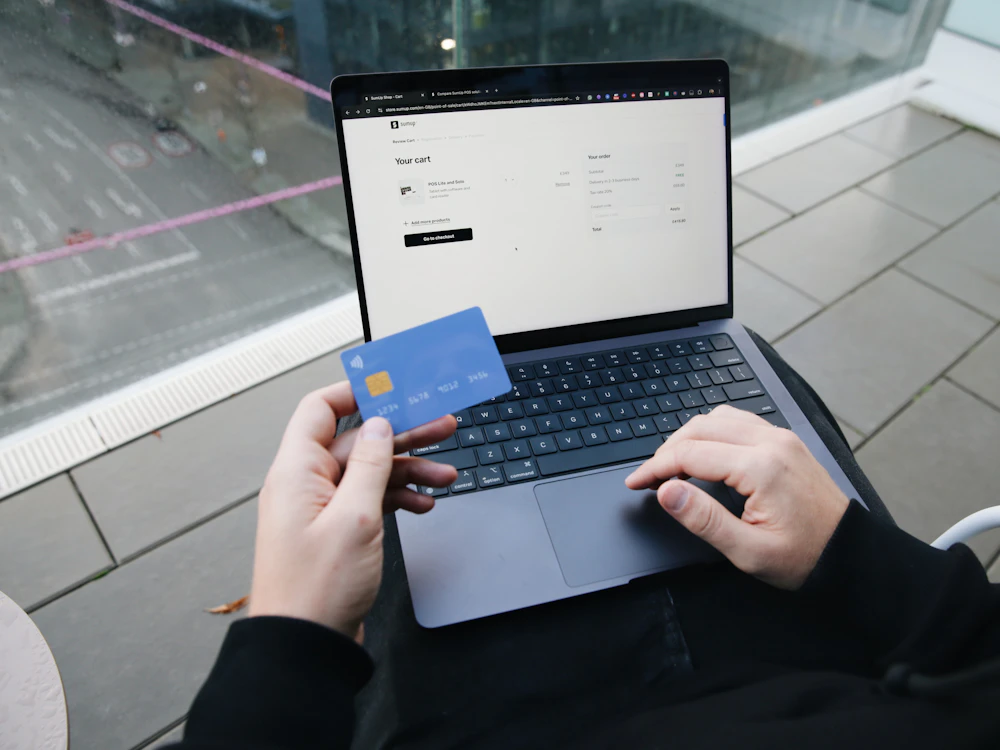
Tax, Banking and Device Integration
Connect your ERP with tax authorities, banks, attendance devices and online sales.
- FBR and provincial tax reporting
- Bank statement import and reconciliation
- Biometric attendance devices
- Online store and marketplace orders
- SMS and WhatsApp alerts
- Excel import and export
Faster Order-to-Cash
From quotation to delivery to invoice to payment, each step flows from the previous one, with no retyping and no lost paperwork.
Talk to our team →Quote to order
One click.
Delivery notes
From orders.
Invoices
From deliveries.
Collections
Posted to ledgers.
SoftBar for Every Type of Business
Trading companies
Import, wholesale and retail.
Distributors
Routes and recoveries.
Manufacturers
Production and costing.
Service companies
Projects and billing.
Multi-branch retailers
Head office control.
Groups of companies
Several companies in one.
Online and Offline: ERP Operations That Never Stops
Internet outages should not stop your business. SoftBar keeps billing offline and syncs every bill to the cloud as soon as the connection is back, so your records stay complete.
- Billing continues without internet
- Automatic sync when the connection returns
- No duplicate or lost bills
- Owner can check reports from any phone
- Works on PC, laptop, tablet and phone
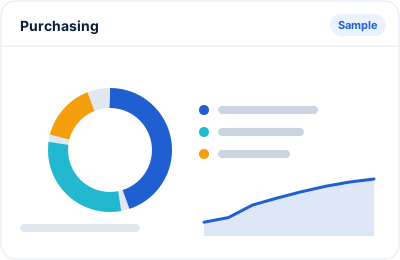
Real-Time Reports for ERP Owners
Management reports from live data, not month-end spreadsheets.
- Profit and loss by branch
- Balance sheet
- Receivables and payables ageing
- Stock value by warehouse
- Production cost
- Payroll summary
- Approval and audit logs
Cut Costs and Grow Profit in Your ERP Business
An ERP pays for itself through saved time and better control.
Cut duplicate work
Enter once.
Reduce stock holding
Better planning.
Collect faster
Ageing reports.
Control spending
Approvals.
Close books faster
Automatic postings.
Stop leakage
Audit trail.
Secure Cloud Setup Behind SoftBar
The same safe cloud setup serves every SoftBar customer, from a single counter to many branches.
Hosted on secure servers
Your data is kept on managed servers with regular backups, not on a single shop computer.
Encrypted connection
All traffic between your counter and the server is encrypted (HTTPS).
Easy restore
If something goes wrong we can restore your data from backup.
Always up to date
Updates and fixes reach you automatically, with no reinstall.
Is SoftBar Right for Your ERP?
If any of these sound like your business, SoftBar will help:
- You use several separate programs
- Reports from departments do not match
- You wait for month-end to know profit
- You have branches or warehouses
- Approvals happen on phone calls
- You plan to grow
Plans for every size of business
Start with one counter and add branches, users and modules as you grow. Pricing depends on the modules and number of users you need.
How SoftBar Gets Your ERP Running
From the first call to your first bill, usually within a few days.
Free consultation
We talk to you about how your business works today: counters, branches, products, staff and reports you need.
Setup and data import
We set up your account, import your products and opening balances and connect printers and scanners.
Staff training
Your cashiers, managers and accountant are trained on the parts of the system they will use every day.
Go live
You start billing on SoftBar. For the first days we stay close on WhatsApp to answer questions right away.
Ongoing support and updates
New features and fixes reach you automatically, and our Faisalabad team is a message away.
Frequently Asked Questions About SoftBar ERP Software
What is ERP software?
ERP connects accounts, sales, purchase, inventory, production and HR in one system so data is shared across departments.
Is SoftBar ERP cloud based?
Yes. Use it from any device, with offline support where needed.
Can it be set up for my industry?
Yes. We configure modules, reports and workflows for your business.
Can I add modules later?
Yes. Start with what you need and add more.
Does it handle multiple branches?
Yes. With consolidated reports.
Is it FBR integrated?
Yes. FBR and provincial tax reporting are supported.
How long does implementation take?
Usually a few weeks, depending on modules and data.
How much does business software cost in Pakistan?
It depends on the modules, number of users and branches you need. SoftBar plans start small for a single counter and grow with you. See the pricing page or ask us for a quote for your business.
Can you import my existing products and customers?
Yes. Send us your product list, customer balances and supplier balances in Excel and we import them during setup, so you start with your real data on day one.
Do you provide training and support?
Yes. We train your staff during setup and support you on WhatsApp and phone afterwards. Most business staff learn billing in under an hour.
How do I get a demo?
Press Request a Free Demo or WhatsApp 03028603894 and we will arrange a demo for your team.
About SoftBar Digital Solutions
SoftBar is a software and digital marketing company based on Main Jaranwala Road, Kohinoor City, Faisalabad. We build and support business software for shops, healthcare, food, services, distribution and manufacturing across Pakistan, and we run marketing for many of the same businesses.
Because we work with growing businesses every day, we set up SoftBar around how your business actually runs: your products, your counters, your staff and your reports. You talk to the same local team before and after you buy, on WhatsApp, phone or at your premises in Faisalabad.
Related searches
People also look for these when they need this software.
Ready to Upgrade Your ERP Business?
See SoftBar working with your own products. The demo and setup consultation are free.